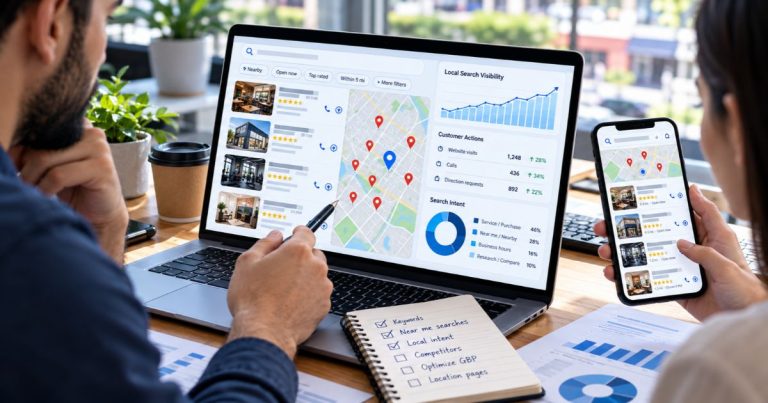
Location Pages for SEO: 10 Powerful Steps for Better Rankings
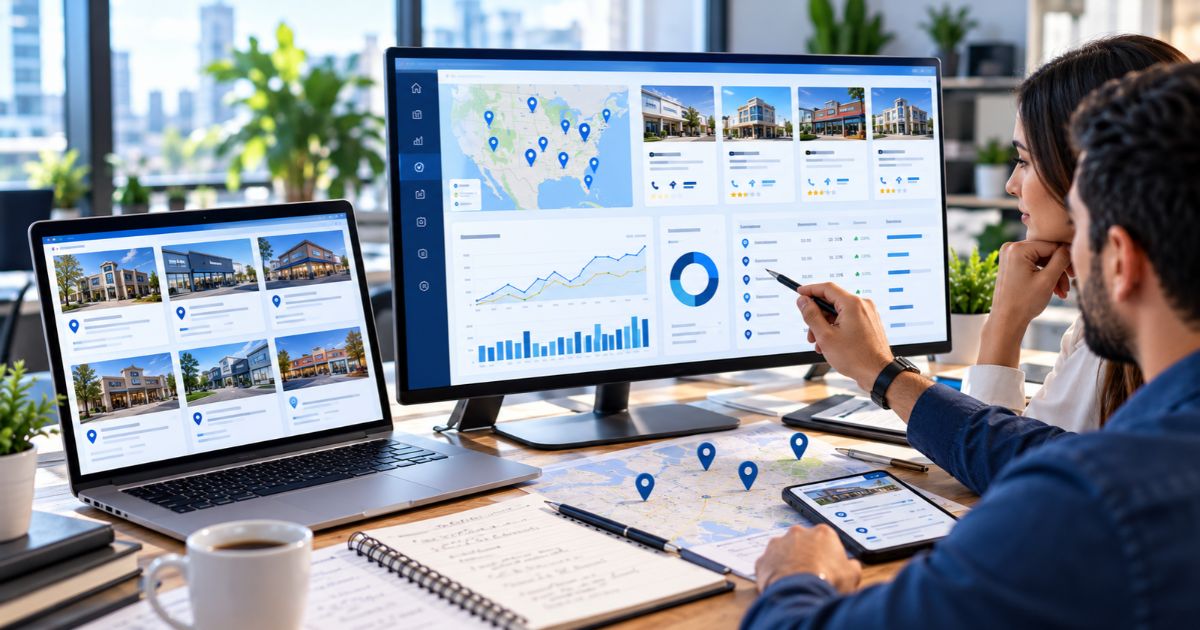
Location pages for SEO are dedicated pages that help customers and search engines understand where a business operates, what a specific branch offers, and how people can contact or visit that location. A useful page combines accurate business details with genuinely local content instead of simply replacing one city name with another.
Effective location pages for SEO should match local search intent, connect with the correct Google Business Profile, include clear services and conversion actions, use accurate structured data where appropriate, and sit inside a logical internal-linking structure.
Key Takeaways
What Are Location Pages for SEO?
Location pages for SEO are webpages created for a specific physical branch, office, store, clinic, service area, or other genuine geographic business presence.
Their purpose is not simply to rank for “[service] + [city].” A useful location page helps someone understand:
- Where the business operates
- What services are available there
- How to contact the location
- When it is open
- What makes that branch useful or different
- How to reach or visit it
- What action the customer should take next
Google says Business Profiles should reflect businesses as they exist in the real world and use accurate addresses or service areas. Its Business Profile guidelines also distinguish between storefront and service-area businesses.
This distinction should guide location pages for SEO as well. Do not imply that a staffed storefront exists where the business only travels to customers.
For broader local-search fundamentals, use our Local SEO hub, local SEO for real estate agents guide, and multi-location local SEO guide.
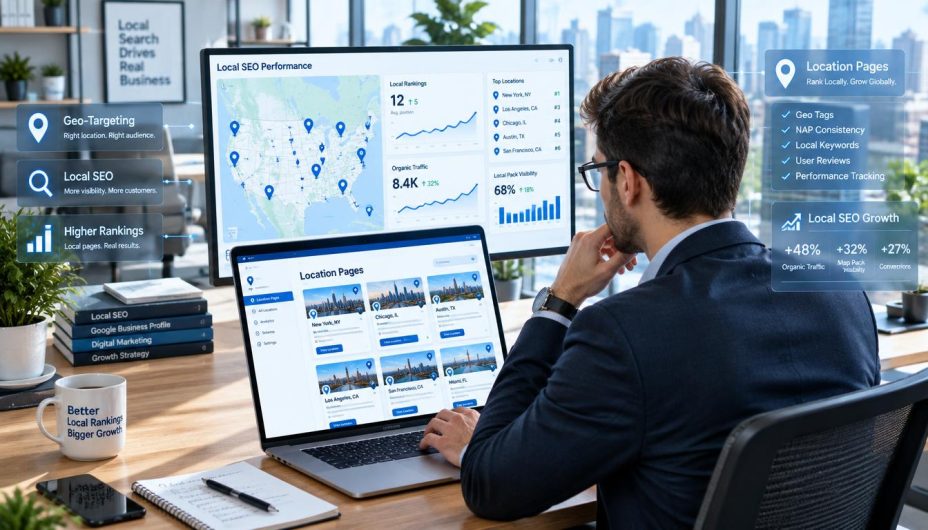
When Does a Location Deserve Its Own Page?
Before building location pages for SEO, confirm that the location or area deserves a dedicated page for users.
Physical branches
A real branch, office, clinic, restaurant, store, or other customer-facing location usually has a strong reason for a dedicated page because customers need branch-specific information.
Service-area businesses
A service-area business may need useful geographic pages when it genuinely serves different areas and can provide meaningful information about those markets.
However, Google says a service-area business should not claim a virtual office that is not genuinely staffed and eligible. Location content should reflect the real business model rather than create artificial geographic presence.
When not to create a page
Do not create location pages for SEO only because a keyword tool shows search volume.
A page may not deserve to exist when:
- The business does not actually serve the area.
- The page would contain the same information as another page.
- There is no meaningful local information to provide.
- Every city page funnels visitors to the same generic destination.
- The location is fictional or created solely for ranking purposes.
Google’s current spam policies describe doorway abuse as creating substantially similar regional or city pages that funnel users toward another destination.
For more context on these policies, review our Google spam update guide and the wider Google Search Updates hub.
10 Powerful Steps to Build Location Pages for SEO
1. Validate Local Search Demand and Customer Intent
Good location pages for SEO begin with customer needs, not a template.
Research combinations involving:
- Service + city
- Service + neighborhood
- Service + nearby modifier
- Business type + location
- Emergency service + area
- Brand + branch name
- Brand + hours
- Service + reviews + location
Do not use one arbitrary keyword-difficulty threshold as a universal publishing rule. Keyword tools can help prioritize opportunities, but the decision should also consider search intent, business relevance, competition, conversion potential, and whether the business truly serves the location.
Our guide on keywords versus SEO explains why keyword data is only one part of the strategy. For broader planning, see our 12 practical SEO strategies and main SEO resource hub.

2. Choose a Clean URL Structure
A scalable site needs a predictable structure for location pages for SEO.
Examples:
/locations/
/locations/chicago/
/locations/dallas/
/locations/miami/
Or, when the business model supports service-area pages:
/service-areas/
/service-areas/chicago/
/service-areas/dallas/
A consistent hierarchy makes locations easier for customers to browse and gives search engines a clearer view of how the pages relate to one another.
For a larger brand, connect the main location hub to every important branch and connect relevant service pages back to branches offering that service.
Our technical SEO audit guide and Technical SEO category provide broader site-architecture guidance.
3. Give Every Page Genuine Local Value
The strongest location pages for SEO are locally useful even if search engines did not exist.
Useful branch-specific elements can include:
- Services genuinely offered at that location
- Real staff or manager information
- Storefront and interior photos
- Location-specific testimonials
- Parking details
- Accessibility information
- Public-transport information
- Nearby landmarks
- Local service boundaries
- Branch-specific FAQs
- Local booking or appointment information
There is no reliable Google rule requiring “40%,” “50%,” or another fixed percentage of unique text.
The better test is whether location pages for SEO provide enough distinct information to help someone understand and choose that location.
For content-quality planning, use our Content SEO & Marketing hub. If you operate in a specialized market, compare how local relevance changes in our B2B SEO guide and SEO for cannabis companies guide.
4. Match Each Page to Local Search Intent
Location pages for SEO should answer the type of query that a customer uses when deciding where to go or who to contact.
A query such as “how to repair a leaking pipe” may deserve an informational article. A query such as “emergency plumber in Dallas” is much closer to a service or location page.
That means a local page should not become a long generic blog post. It should prioritize information required for local decision-making.
| Search Need | Useful Page Element |
|---|---|
| Where are you? | Address, service area, map, directions |
| Are you open? | Accurate regular and special hours |
| Do you offer this service? | Location-specific service information |
| Can I trust you? | Reviews, real photos, staff, credentials where relevant |
| How do I contact you? | Phone, form, booking, appointment or ordering CTA |
Matching location pages for SEO to the real customer journey also reduces the temptation to stuff every geographic keyword into the same page.
5. Put Essential Location Information Near the Top
Customers should not need to scroll through several paragraphs before finding the branch’s address, phone number, hours, or primary service.
A useful above-the-fold area for location pages for SEO can contain:
- Business or branch name
- Primary service or category
- Full address where applicable
- Local phone number
- Opening hours
- Main call to action
- Map or directions link
This is particularly important on mobile, where many users are trying to call, navigate, book, or verify information quickly.
If several real branches exist, use our multi-location local SEO framework to standardize location data without making every page identical.
6. Optimize Titles, Headings, Copy, and Images Naturally
On-page optimization still matters for location pages for SEO, but every element should remain readable.
A practical setup might be:
| Element | Example |
|---|---|
| URL | /locations/chicago/ |
| SEO title | Dental Clinic in Chicago | Brand Name |
| H1 | Dental Care at Our Chicago Location |
| Image alt | Exterior of Brand Name dental clinic in Chicago |
| CTA | Book a Chicago Appointment |
Use a city or area naturally where it helps customers. Do not force it into every heading and sentence.
Our on-page SEO recommendations cover title tags, headings, answer-first writing, and keyword use in more detail.

7. Align the Page With Google Business Profile
Strong location pages for SEO should reinforce, rather than contradict, the location’s Google Business Profile.
Google’s Business Profile guidelines recommend representing the business consistently in the real world and using accurate address or service-area information.
Review:
- Business name
- Address
- Phone number
- Website or branch URL
- Category
- Hours
- Service area
- Photos
Google also says local results are mainly influenced by relevance, distance, and prominence. Complete and accurate business information helps Google understand how a business relates to relevant searches.
Read Google’s local ranking guidance for its current explanation.
For a vertical-specific example of Business Profile optimization, see our real estate local SEO guide.
8. Add LocalBusiness Structured Data Where Appropriate
Location pages for SEO can use structured data to describe visible factual information in a machine-readable format.
Google’s LocalBusiness structured data documentation supports information such as:
- Name
- Address
- Telephone
- Opening hours
- Geographic coordinates
- URL
- Business subtype
For businesses with multiple locations, Google says each location can be defined individually using the appropriate LocalBusiness type.
Structured data helps search systems interpret information, but it does not guarantee a rich result or local ranking improvement.
Include schema testing in your technical audit process. For AI-search context, see our foundational SEO with AI guide and AI Search & SEO hub.
9. Build Strong Internal Links and Discovery Paths
Important location pages for SEO should not exist as orphan URLs.
Create useful pathways such as:
- Homepage → location hub
- Location hub → branch page
- Service page → relevant locations
- Location page → relevant services
- Helpful article → appropriate location or service
- Location page → nearby branches when useful
This makes the site easier to navigate and gives search engines clear contextual relationships between services, brands, topics, and places.
Our SEO hub, technical SEO resources, and full article library demonstrate how related content can be organized into useful internal pathways.
When external local citations or directory links are involved, use the Off-Page SEO & Link Building hub. If a useful local mention happens to be nofollow, our nofollow links guide explains why referral visibility can still matter without turning link attributes into the focus of the location page itself.
10. Add Trust Signals and a Clear Next Step
The purpose of location pages for SEO is not simply to produce impressions. A good page should help qualified visitors take the next appropriate action.
Useful trust and conversion elements include:
- Real branch photos
- Real staff information
- Relevant reviews
- Map and directions
- Parking details
- Accessibility information
- Phone number
- Appointment or booking button
- Contact form
- Local service information
Reviews and photos can increase customer confidence, but avoid claiming that one element guarantees rankings.
A page that ranks but does not produce calls, forms, bookings, store visits, or other useful outcomes may still fail its business objective.

Storefront Pages vs. Service Area Pages
Not all location pages for SEO represent the same kind of business presence.
| Page Type | What It Represents | Useful Information |
|---|---|---|
| Storefront location page | A real place where customers can visit the business | Address, hours, directions, parking, branch services, photos |
| Service-area page | An area genuinely served by a business that travels to customers | Service coverage, response area, available services, booking details |
Google says service-area businesses generally should not display a residential address when customers are not served there, and virtual offices are not eligible merely because a business wants visibility in that area.
That same principle should guide location pages for SEO: accurately represent the service model instead of implying a physical presence that does not exist.
How to Scale Location Pages for SEO Across Many Branches
A shared template can make location pages for SEO easier to manage at scale, but the template should separate reusable brand components from genuinely local information.
Reusable sections may include:
- Brand design
- Navigation
- Core service descriptions
- Standard legal information
- General process information
Location-specific sections should contain details that change meaningfully between branches:
- Address
- Hours
- Phone
- Staff
- Local services
- Photos
- Reviews
- Directions
- Amenities
- Parking
- FAQs
- Local CTAs
The goal is not to achieve an arbitrary uniqueness percentage. The goal is to make each location useful enough to deserve its own URL.
For larger deployments, follow the operational framework in our multi-location SEO guide.
Location Pages for SEO and Doorway Page Risk
A common mistake is treating location pages for SEO as a way to generate dozens or hundreds of nearly identical city pages.
Google defines doorway abuse as pages created to rank for specific, similar queries that lead users through intermediate pages rather than giving them the most useful destination.
Risk increases when:
- Every page has nearly identical text.
- Only the city name changes.
- The company does not genuinely serve the area.
- All pages send customers to the same final page.
- There is no branch-specific or locally useful information.
Use Google’s spam-policy documentation and our spam update guide when auditing large location-page networks.
How Location Pages for SEO Fit Into AI Search
Location pages for SEO can also provide clear factual information that modern AI-powered search experiences can understand and summarize.
Make important relationships explicit:
- Which brand owns the location?
- Where is the branch?
- What services are offered?
- When is it open?
- How can customers contact it?
- Which service area does it cover?
This does not require special “AI location schema.” Use standard SEO foundations, accurate structured data, clear content, and crawlable internal links.
For more, see our SEO with AI foundations guide and AI Search & SEO category.
How to Measure Location Page Performance
After publishing location pages for SEO, measure both search visibility and customer outcomes.
Monitor:
- Organic clicks by location page
- Impressions
- Local query groups
- Average positions
- Phone calls
- Forms
- Bookings
- Directions
- Appointments
- Revenue or qualified leads where measurable
Use the SEO Tools & Analytics hub for measurement workflows.
If rankings shift unexpectedly, use our SERP volatility guide. If a confirmed Google update is active, check the Google Algorithm Update Tracker, core update guide, and Google Search Updates archive before making major changes.
Common Location Page SEO Mistakes
Creating a page for every keyword variation
One useful page can often satisfy several related searches. Avoid creating unnecessary near-duplicates.
Using fake addresses
Location pages for SEO should not claim a storefront or office that does not genuinely exist.
Copying the same text across cities
A shared layout is fine, but important information should reflect the real location.
Using unsupported uniqueness percentages
There is no universal Google requirement that a location page be 40%, 50%, or 60% unique.
Ignoring customer actions
A ranking is not the final objective. Calls, bookings, store visits, leads, and other actions show whether the page is useful commercially.
Keyword stuffing
Do not repeat city and service keywords unnaturally. Our keywords and SEO guide explains why keyword use should support, rather than replace, useful optimization.
Reacting to every ranking fluctuation
Use our SERP volatility framework to separate normal movement from changes that require investigation.
Location Pages for SEO Pre-Publication Checklist
- Confirm that the business genuinely operates at or serves the location.
- Use a clear, descriptive URL.
- Write a relevant SEO title and H1.
- Put essential branch information near the top.
- Add accurate name, address, phone, hours, and services.
- Use genuine local photos.
- Add branch-specific staff, directions, parking, or amenities where useful.
- Include useful local FAQs.
- Link the correct Google Business Profile to the correct page.
- Add LocalBusiness structured data where appropriate.
- Validate structured data.
- Connect the page to the main location hub.
- Link relevant service pages.
- Add the URL to the XML sitemap.
- Check mobile usability.
- Check indexing and canonical signals.
- Verify all internal and external links.
- Remove unsupported statistics or ranking guarantees.
- Confirm the page provides real value beyond changing a city name.
Use this checklist whenever you publish or refresh location pages for SEO.
Frequently Asked Questions
What are location pages for SEO?
Location pages for SEO are dedicated pages representing a real physical location or genuinely served geographic area. They provide customers with local business details, services, directions, contact information, and other information needed to choose or contact the business.
Does every city need its own location page?
No. Create a page only when the business genuinely operates in or serves that area and the page can provide meaningful information beyond changing the city name.
How unique should location pages be?
There is no universal Google percentage for unique content. Focus on whether each page provides genuine location-specific value, including accurate details, services, staff, photos, directions, FAQs, reviews, and customer actions where relevant.
Should each physical branch have a separate page?
For most multi-location businesses, a dedicated page is useful when each branch has its own address, hours, phone number, services, photos, and customer information.
Do location pages need LocalBusiness schema?
Location pages for SEO can use appropriate LocalBusiness structured data to describe visible business information. Schema can improve machine-readable understanding but does not guarantee better rankings or rich results.
Can service-area businesses create location pages?
Yes, when the business genuinely serves the area and the page provides useful area-specific information. Do not imply that a staffed physical office exists where there is none.
Can duplicate location pages hurt SEO?
Large numbers of substantially similar geographic pages can become low-value or doorway-style content. Each page should have a legitimate user purpose and meaningful local information.
How should I internally link location pages?
Connect the main locations hub to individual branches, relevant service pages to locations that offer those services, and location pages back to useful services and supporting resources.
Conclusion
Location pages for SEO work best when they are designed for real customers first. The goal is not to manufacture hundreds of geographic URLs; it is to create useful destinations for the locations and markets the business genuinely serves.
Strong location pages for SEO combine accurate business details, useful local content, the correct Google Business Profile relationship, clear internal links, appropriate structured data, real trust signals, and a simple next step for customers.
Most importantly, location pages for SEO should remain distinct because the locations themselves are meaningfully different—not because an arbitrary uniqueness percentage says they must be.
Continue with our Local SEO hub, multi-location SEO guide, real estate local SEO guide, Technical SEO resources, and the full Online SEO Blogs library for supporting strategy.